One user in our household has a particular approach to computing on the notebook: Never close anything. No apps, no windows, no browser tabs. Over time, this fills up memory, not only because of the rising number of windows, but because of the many memory holes of browsers that just take up more and more RAM. The unfortunate consequence: At some point, the OS can’t get any more memory, swap is full and the system crawls to a standstill. Unfortunately, Linux is not very good at terminating programs when push comes to shove. Many years ago, I found EarlyOOM (Early Out of Memory), a great program that observes available memory and terminates tasks before the Linux kernel gets in trouble. It works like a charm. For the migration to Ubuntu 26.04, I now wanted to see if the Linux kernel still behaves this badly when running out of RAM and if EarlyOOM would still work.
The answer to both is ‘yes’, the system still crawls to a halt when running out of memory. EarlyOOM can be installed from the standard apt repository and will run out of the box just fine. I chose to exclude programs like Libreoffice and Thunderbird from the programs that are terminated when memory get tight, but that’s the only config I have changed.
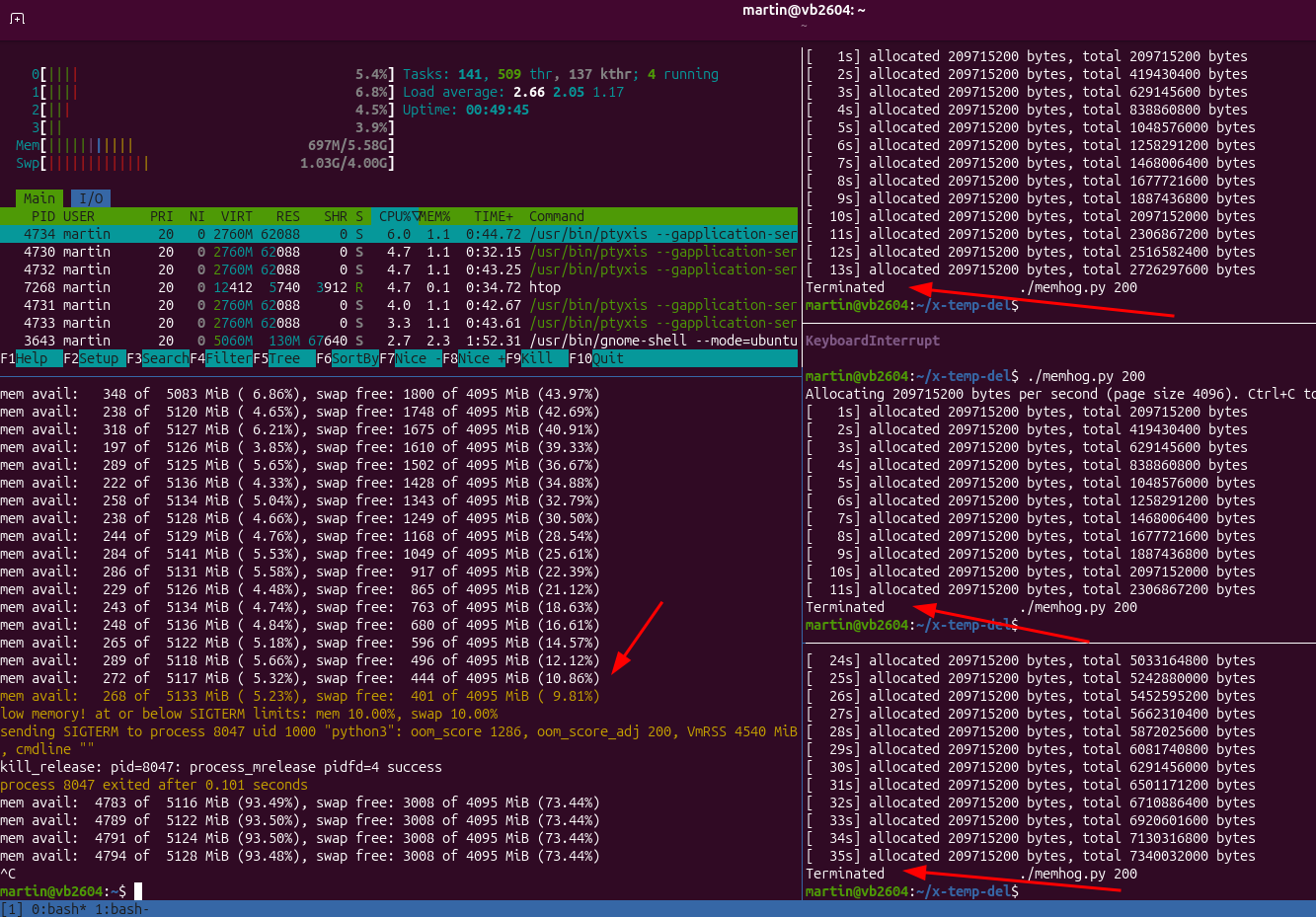
To see if it still works, I put together a small Python program that grabs 100 MB of RAM once a second and writes to it. Running three instances consumes all available memory quite quickly and hence is a good test if EarlyOOM catches the low memory situation in time and terminates something.
And indeed, EarlyOOM detects that these programs are responsible for taking up most of the available system memory and terminates them one by one each time maximum memory consumption is reached. The screenshot at the top of the post shows how this looks like in practice.
If you want to give it a try yourself, here’s the Python program for memory hogging: